

Workflow processes can streamline tasks by automating non-interactive operations and organizing interactive tasks that require user input. This section reviews workflow task types, status monitoring, and efficient completion through structured workflows.
To access workflow tasks, create or open a workflow process and select the Task Toolbox tab. Drag and drop workflow tasks into that workflow.
Workflow processes may include interactive tasks that a user must complete or non-interactive tasks.
Interactive Tasks
These tasks require user input and manual completion. Interactive tasks are assigned to one or more contributors who are responsible for completing the task. Interactive tasks must have one or more supervisors assigned, who are responsible for ensuring the task is complete. Tasks can optionally have an owner, who can also mark the task as complete.
All interactive tasks include an additional field called Info Text, where you can provide further instructions, information, or reference materials, such as images and URL links, using the HTML editor. Use the HTML editor to format your instructions as needed.
A user can view a list of interactive tasks assigned in the Workflow Task List module.
Non-Interactive Tasks
These tasks start and complete automatically without user intervention once started.
For example, tasks that automatically export data to a file or log messages as workflow tasks are completed.
Workflow Task Status Colors
Within the Workflow Editor, color coding indicates the status of active workflow tasks and subprocesses.
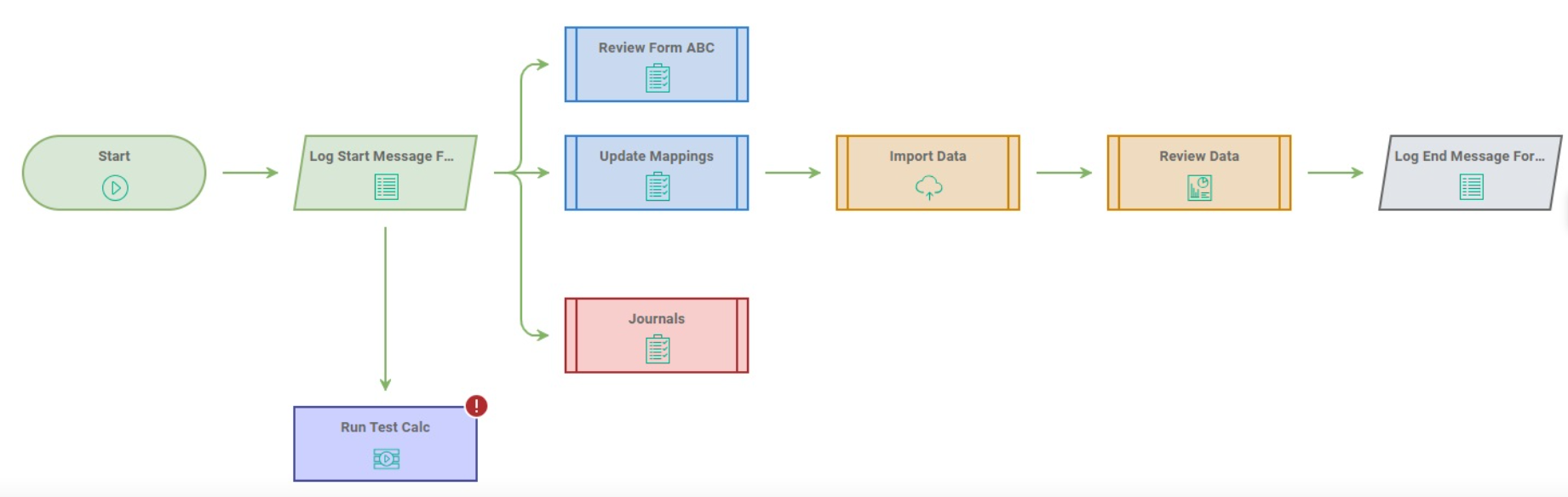
Legend
The color codes in a workflow indicate:
| Color | Status | Example |
| Green | Completed | 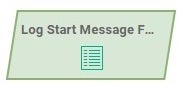 |
| Blue | In Progress | 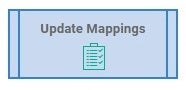 |
| Orange | Upcoming | 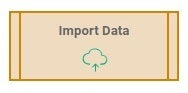 |
| Red | Overdue | 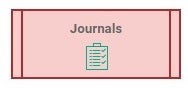 |
| Purple | Failed | 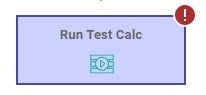 |
| Grey | Non-Interactive task that is not started. | 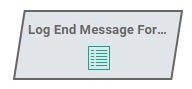 |
Note: Anaplan limits workflow edits. Editing a workflow while it runs can cause unexpected behavior, so Anaplan doesn't allow you to edit running workflows. You can still view the task pane and assign owners, supervisors, and contributors using the Assign Activities editor in a running workflow.

