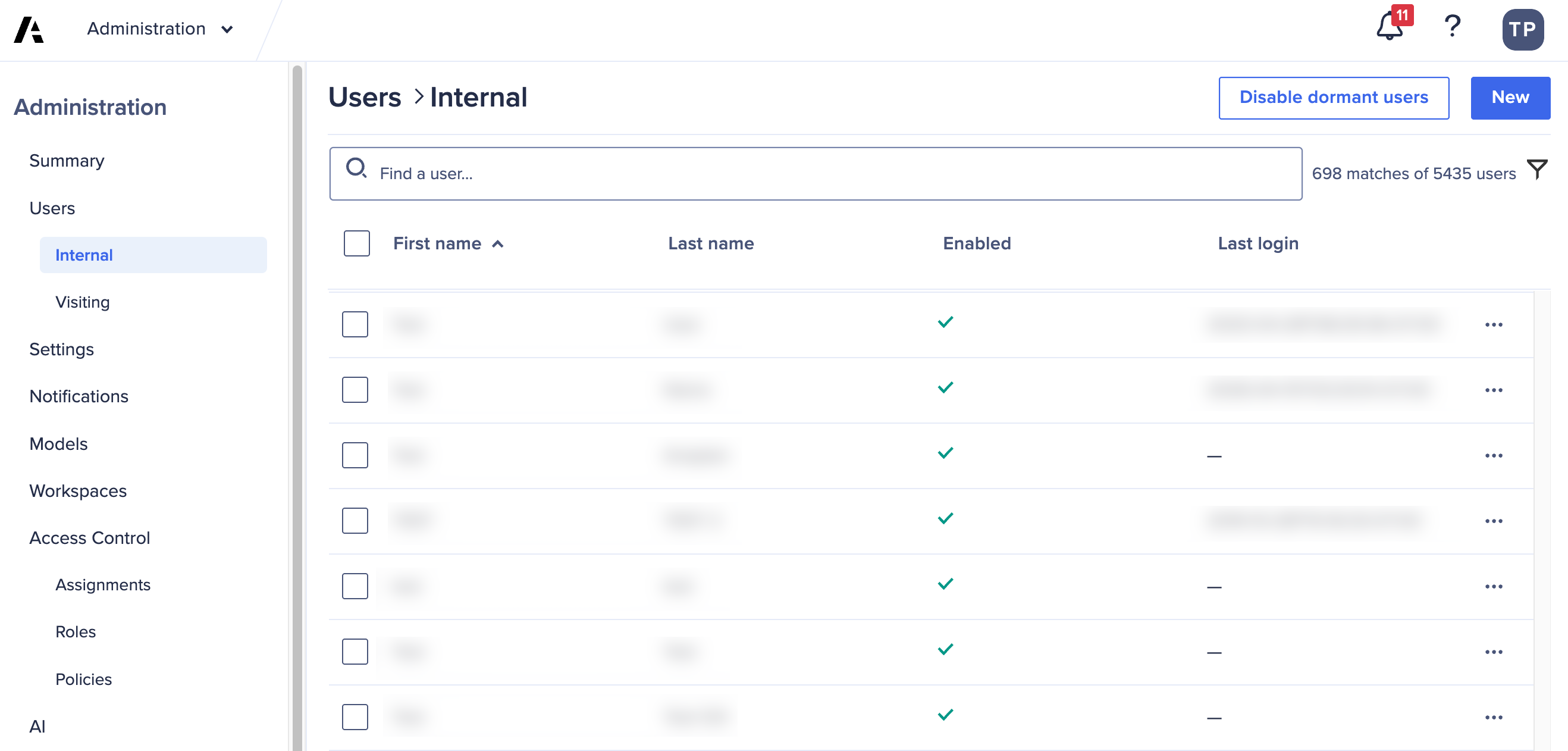
If you’ve got a long list of internal users for your tenant, you can refine the list with the search function.
Use the Find a user field to search for a user. You can enter the user’s full name, first name, last name, email address, or user ID. The list updates to show only the relevant results.
Note: If you type only two characters in the field, you must press Enter/Return on your keyboard to run the search. If you type three or more characters, the search runs automatically.